

Cart
0
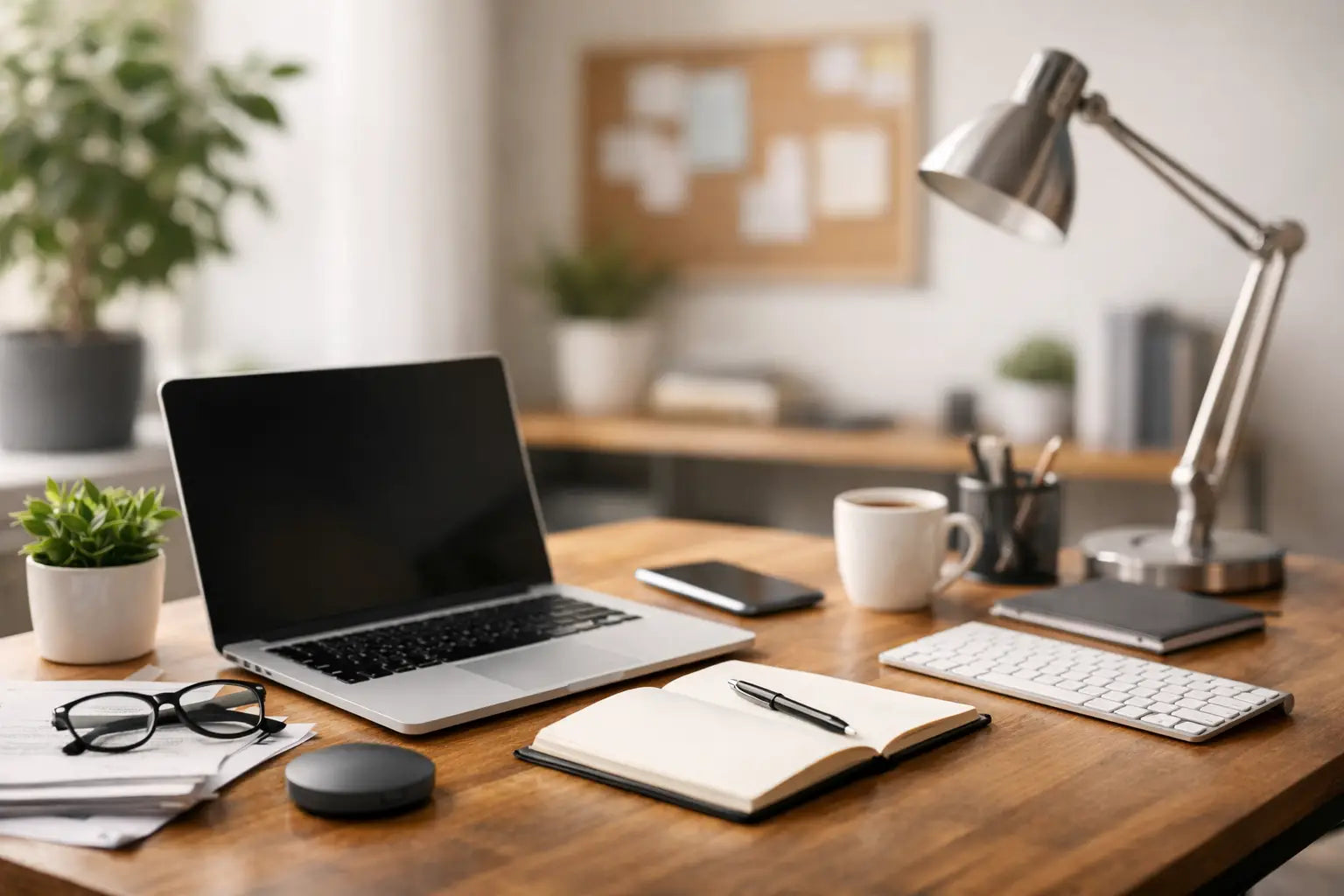
A productive workspace usually does not fail because of one big problem. It slows down because of a dozen small ones - dim lighting, tangled cables, weak audio, a cramped desk, a mouse that drags, a phone that is always dying at the wrong time. If you are figuring out how to make your workspace more productive, the fastest wins usually come from fixing those everyday friction points.
The good news is you do not need a dramatic office makeover. Most people work, study, create, and take calls in real spaces with real limits. Maybe it is a corner of your bedroom, a shared kitchen table, a dorm desk, or a home office that also doubles as a gaming setup. A better workspace is less about perfection and more about making your setup easier to use every single day.
How to make your workspace more productive starts with less friction
Productivity is often treated like a motivation issue. A lot of the time, it is actually a setup issue. When your tools are slow, uncomfortable, or hard to reach, your focus gets chipped away in small pieces.
Think about the first 30 minutes of your day. Are you clearing space before you can work? Hunting for a charger? Repositioning your laptop so your video call angle looks normal? Turning on extra lamps because your desk lighting is bad? Those are not huge problems on their own, but together they create drag.
A productive workspace removes those tiny delays. Your most-used items should be within reach. Your devices should stay powered. Your camera, sound, and lighting should work without improvising every time. When the setup supports the task, getting started feels easier.
Clear your desk, but do it realistically
A clean desk helps, but empty for the sake of empty is not the goal. A productive desk is one that holds what you actually use and gets everything else out of the way.
Start with zones. Keep your main work zone centered around your keyboard, mouse, and display. That is your active space. Then create a support zone for items you need often but not constantly, like earbuds, chargers, a notebook, or a phone stand. Anything that does not support work, study, or your usual digital routine should move off the desk or into a drawer.
This matters because visual clutter competes for attention. It also physically reduces usable space, which changes how you sit and move. If your mouse area is cramped or your keyboard is pushed too close to the edge because random items took over the surface, your desk is working against you.
There is a trade-off here. Some people focus better with a minimalist setup, while others like having a few personal items nearby. Keep the things that make the space feel good to use, but be honest about what is adding energy versus what is just taking up room.
Upgrade the tools you touch most
If you want the biggest difference for daily productivity, start with the gear you interact with all day. Input devices matter more than people think because they shape every click, scroll, and keystroke.
A comfortable keyboard can make writing, emailing, and note-taking feel smoother and less tiring. A responsive mouse gives you better control and reduces the annoying stop-start feeling that comes with cheap or inconsistent tracking. These are not flashy upgrades, but they are high-impact ones because they affect everything.
The same goes for audio. If you spend time in meetings, classes, or calls, clear sound can save real mental energy. Good headphones or earbuds help you hear details, block distractions, and stay engaged without constantly replaying what someone said. Speakers can also be useful if your workday includes editing, casual listening, or shared spaces where wearing headphones nonstop is not ideal.
It depends on how you use your setup. If you are on calls all day, prioritize audio and webcam quality. If you write, design, or manage spreadsheets, your keyboard and mouse should come first. If you move around a lot, charging gear and portability may matter more than desktop extras.
Fix your lighting before you blame your energy
Bad lighting can make a workspace feel sleepy even when you are not. It also affects how you look on camera, how easily you can read, and how long your eyes stay comfortable.
Natural light is great when you have it, but not everyone can build their desk around a window. That is where simple lighting upgrades help. A ring light or focused desk light can brighten your face for calls, reduce shadows, and make the workspace feel more active. Better lighting is one of those changes that instantly makes a setup feel more intentional.
Placement matters. Light that is too harsh or pointed straight into your eyes can create glare and fatigue. Soft, forward-facing light usually works better for video calls and desk tasks than overhead lighting alone.
If your workspace pulls double duty for work and content creation, this becomes even more useful. A cleaner lighting setup helps you switch from email mode to meeting mode to recording mode without constantly changing rooms or piecing together a solution.
Get your screen and camera into the right position
One of the fastest ways to make a desk more productive is to improve viewing angles. If your screen is too low, your shoulders round forward and your neck follows. If your webcam points up from your laptop on the desk, your calls look awkward and you spend half the meeting adjusting your posture.
A stand can do more than just save space. It raises devices to a better height, opens room underneath for storage, and creates a cleaner line of sight. That means less slouching and a more polished presence on camera.
Tripods and stands are especially useful for flexible setups. If you alternate between work calls, streaming, recording, or studying from different positions, adjustable gear gives you options without forcing you to rebuild your whole desk every time.
This is one of those upgrades that sounds small until you use it for a week. Once your screen and camera sit where they should, your setup feels less improvised and more ready.
Power is productivity
Nothing breaks momentum like low battery warnings and missing cables. If your devices are central to your day, powering them should be simple, not a scavenger hunt.
Keep charging where you need it most. That might mean dedicated charging cables at your desk, an adapter that supports your core devices, or a power bank for people who move between rooms, classes, or coworking spots. The goal is not to own more accessories than you need. It is to remove the constant question of whether your gear will last through the next meeting, assignment, or commute.
Cable management helps here too. It is partly about appearance, but it is mostly about convenience. A workspace feels better when the right cable is easy to grab and not buried in a knot behind the desk.
For students and mobile-first users, this can be the difference between staying productive and losing an hour because your phone, tablet, or earbuds died at the worst time. Reliable gear, smart choice.
Build around the way you actually work
The best answer to how to make your workspace more productive is personal. A setup for a remote worker on back-to-back video calls will look different from one built for a student, gamer, or creator.
If your day is meeting-heavy, prioritize webcam clarity, lighting, audio, and a background that looks clean without effort. If you are studying, focus on comfort, charging access, and a layout that keeps reading materials and devices organized. If you game after work or create content on the side, choose gear that can shift with you instead of making you swap setups completely.
This is where modern workspace accessories earn their value. The right pieces do not complicate your life. They simplify it. A phone mount keeps your screen visible without stealing desk space. A stand improves posture and camera framing. Better audio reduces stress. Smarter charging keeps your routine moving.
You do not need a showroom desk. You need a setup that supports your habits, fits your space, and works without constant adjustment.
Small upgrades add up fast
Most productive workspaces are built one fix at a time. You clear space. You improve lighting. You add a better mouse. You stop borrowing chargers from another room. Suddenly the desk feels easier to sit down to, and that changes more than people expect.
At Gadgetry Club, that is the whole idea behind practical tech accessories. They are not there to make your desk look complicated. They are there to make work, study, calls, and everyday digital life feel smoother.
If your workspace has been frustrating you lately, do not wait for a full reset. Start with the part that annoys you most, fix that first, and let your setup earn your focus back.

