

Cart
0
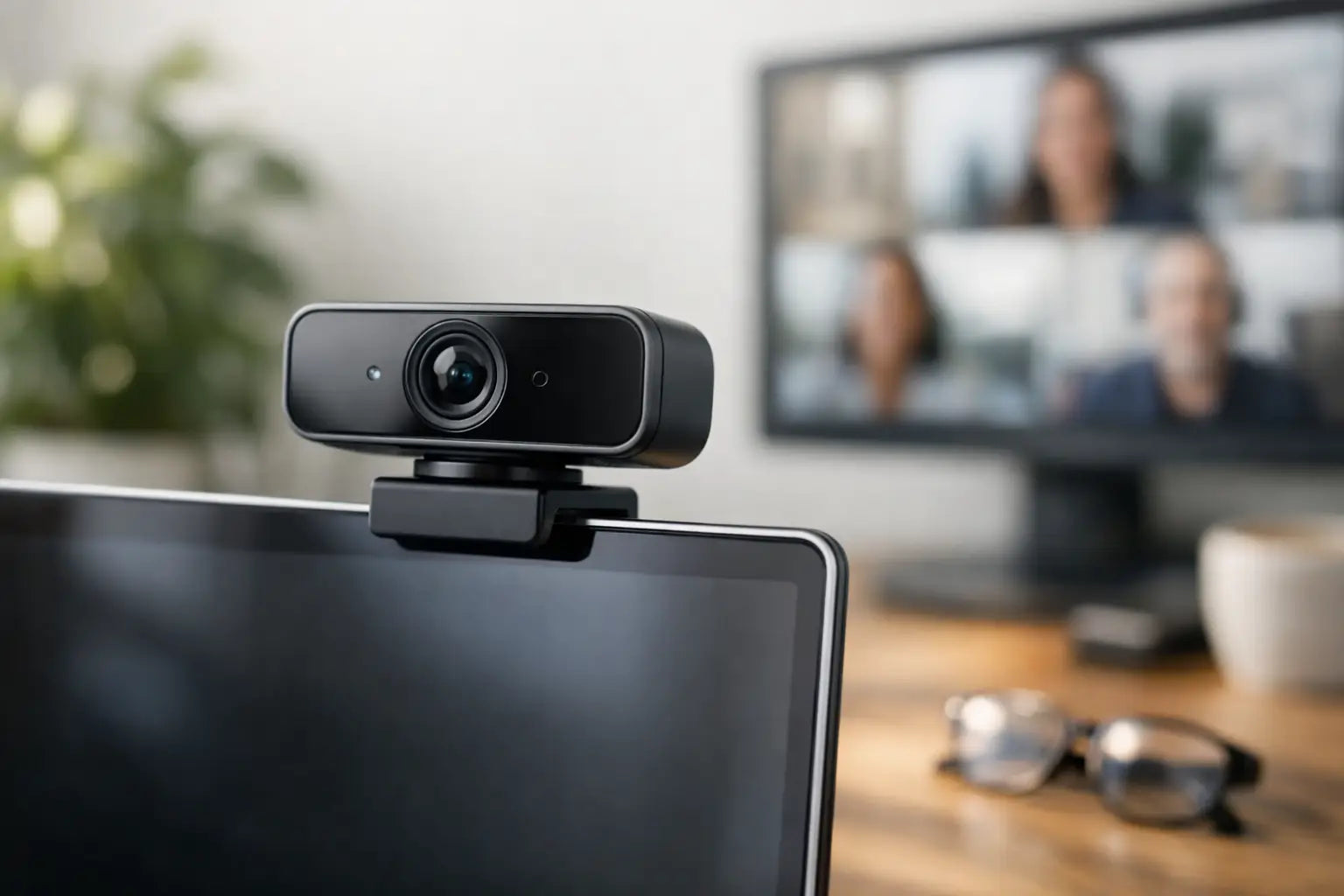
You notice a bad webcam the moment a meeting starts. The picture looks grainy, your face is too dark, and somehow the ceiling fan gets more screen time than you do. If you are shopping for the best webcam for Zoom calls, the good news is that you do not need a studio setup or a confusing spec sheet. You just need a camera that makes you look clear, well-lit, and ready to talk.
For most people, that means focusing less on flashy features and more on what actually affects call quality at home, at school, or at work. Zoom compresses video, internet speeds vary, and many calls happen in average lighting, not perfect daylight. A great webcam is the one that handles those real-life conditions without making setup feel like homework.
What makes the best webcam for Zoom calls?
The short answer is image clarity, exposure control, and ease of use. Resolution matters, but not in the way most people think. A 4K webcam sounds impressive, yet for Zoom calls, a good 1080p camera often delivers the better value. It is sharp enough for meetings, easier on bandwidth, and usually more affordable.
What matters just as much is how the webcam handles lighting. If you sit near a window one day and under a warm desk lamp the next, your camera needs to adjust without turning your face into a silhouette or washing out your skin tone. That is where a webcam with decent auto exposure and autofocus earns its keep.
Framing also matters. A wide-angle lens can be helpful if you move around or share a desk with someone else, but it can also make your workspace look cluttered. A slightly tighter field of view often looks more polished for professional calls because it keeps the focus on you, not the laundry basket in the background.
1080p vs 4K for Zoom calls
For most buyers, 1080p is the sweet spot. It gives you a clear, professional-looking image without pushing the price too high. It also fits the way most people actually use Zoom - on laptops, work monitors, and standard home internet connections.
A 4K webcam can still make sense if you want extra flexibility. The image may look better in challenging lighting, and higher resolution can help if you crop in or use the same camera for content creation. But if your main goal is looking better in meetings, 4K is a nice extra, not a requirement.
This is one of those it-depends decisions. If you are a remote professional, creator, or someone building a polished desk setup, 4K may be worth it. If you just want a strong everyday upgrade from a soft, noisy built-in laptop camera, a reliable 1080p model is usually the smarter buy.
Features worth paying for
Some webcam features sound great on the box and barely matter once the call starts. Others improve your experience every single day.
Autofocus is worth having if you shift position, hold up notes, or move closer to the camera. If you mostly sit still at the same distance, fixed focus can still work well, but it needs to be dialed in properly. Auto light correction is another feature that pulls its weight, especially for early meetings, cloudy afternoons, and rooms with mixed lighting.
Built-in microphones are a mixed bag. They are convenient, and some are surprisingly usable for casual calls. Still, if clear audio matters for work, classes, interviews, or client meetings, a separate mic or a good headset will usually sound better. The webcam should make you look sharp. Your audio setup should make you easy to understand.
A privacy shutter is a small feature that feels big in daily use. It adds peace of mind and saves you from sticking tape over the lens. Mounting is also more important than it seems. A webcam that sits securely on your monitor and stays in position is simply less annoying to live with.
Best webcam for Zoom calls by type of user
The best choice depends on how you use Zoom and what is frustrating you right now.
If you are a remote worker, prioritize consistent 1080p video, dependable autofocus, and strong low-light performance. You want a webcam that handles back-to-back meetings without needing constant adjustment. A clean look, easy setup, and a stable clip matter more than extra modes you will never open.
If you are a student, value and simplicity are usually the priority. A good 1080p webcam with a built-in mic can be enough for classes, study groups, and presentations. You do not need to overspend, but you do want a camera that looks better than the one built into an older laptop.
If you are interviewing, meeting with clients, or presenting often, this is where image quality starts to carry more weight. A better lens, stronger color balance, and cleaner exposure can make you look more polished and more prepared. That does not mean expensive for the sake of it. It means paying for the features people will actually notice on screen.
If you are a creator who also takes meetings, a higher-end webcam can make more sense. You may want 4K, manual settings, and better image control because the camera is doing double duty for streams, clips, and calls. In that case, flexibility matters as much as convenience.
How lighting changes everything
A mediocre webcam in good lighting can look better than an expensive webcam in bad lighting. That is not marketing hype. It is the easiest upgrade most people miss.
If you sit facing a window, you are already ahead. Natural light helps with detail, color, and overall sharpness. If that is not possible, a simple desk light or ring light placed in front of you can make a huge difference. The goal is even light on your face, not a spotlight effect.
This is why the best webcam for Zoom calls is not always the priciest one. Your camera and lighting work together. If your room is dim, your webcam has to work harder, and cheaper sensors tend to add noise, blur, and weird color shifts. A better camera helps, but so does improving the light in front of you.
Placement matters more than people think
Even a great webcam looks awkward if it is pointed up your nose from the bottom edge of a laptop screen. Camera placement changes how professional and natural you appear.
Set the webcam at or slightly above eye level. That angle is usually the most flattering and the easiest for conversation. Try to center your face with a little space above your head rather than showing too much ceiling or too much chest.
Distance matters too. If you are too close, the image can feel cramped and unflattering. Too far, and people lose facial detail, which makes calls feel less personal. Aim for a head-and-shoulders frame that keeps attention on your expression.
Common mistakes when buying a webcam
The biggest mistake is chasing specs instead of results. More resolution, more frame rate, and more software features do not automatically mean a better Zoom experience. If the camera struggles in normal room lighting or has awkward framing, those bigger numbers will not save it.
Another mistake is ignoring your internet connection. A premium webcam cannot fix unstable Wi-Fi. If your calls freeze or drop in quality, the issue may be your connection, not your camera. It is worth checking both before assuming you need the most expensive upgrade available.
People also underestimate aesthetics and desk fit. A webcam is part of your everyday setup. If it looks bulky, feels flimsy, or creates cable clutter, that friction adds up. Clean, practical gear tends to get used more and adjusted less, which is exactly what most shoppers want.
How to choose without overthinking it
Start with your real use case. If Zoom is your main priority, choose a dependable 1080p webcam with good light correction, a stable mount, and easy plug-and-play setup. If you also record content, step up to a more flexible model with higher resolution and manual controls.
Then look at your environment. If your room is dim, put more weight on low-light performance or plan to add a light. If your desk is small, make sure the webcam mount works well with your monitor. If privacy matters, get the shutter.
Most of all, buy for everyday convenience. The best tech upgrades are the ones that quietly remove friction from your routine. That is why practical workspace gear works so well - it helps you show up clearly, stay focused, and spend less time fiddling with settings.
A better webcam will not run the meeting for you, but it can make sure people see the version of you that is already prepared, capable, and ready to be heard.

